
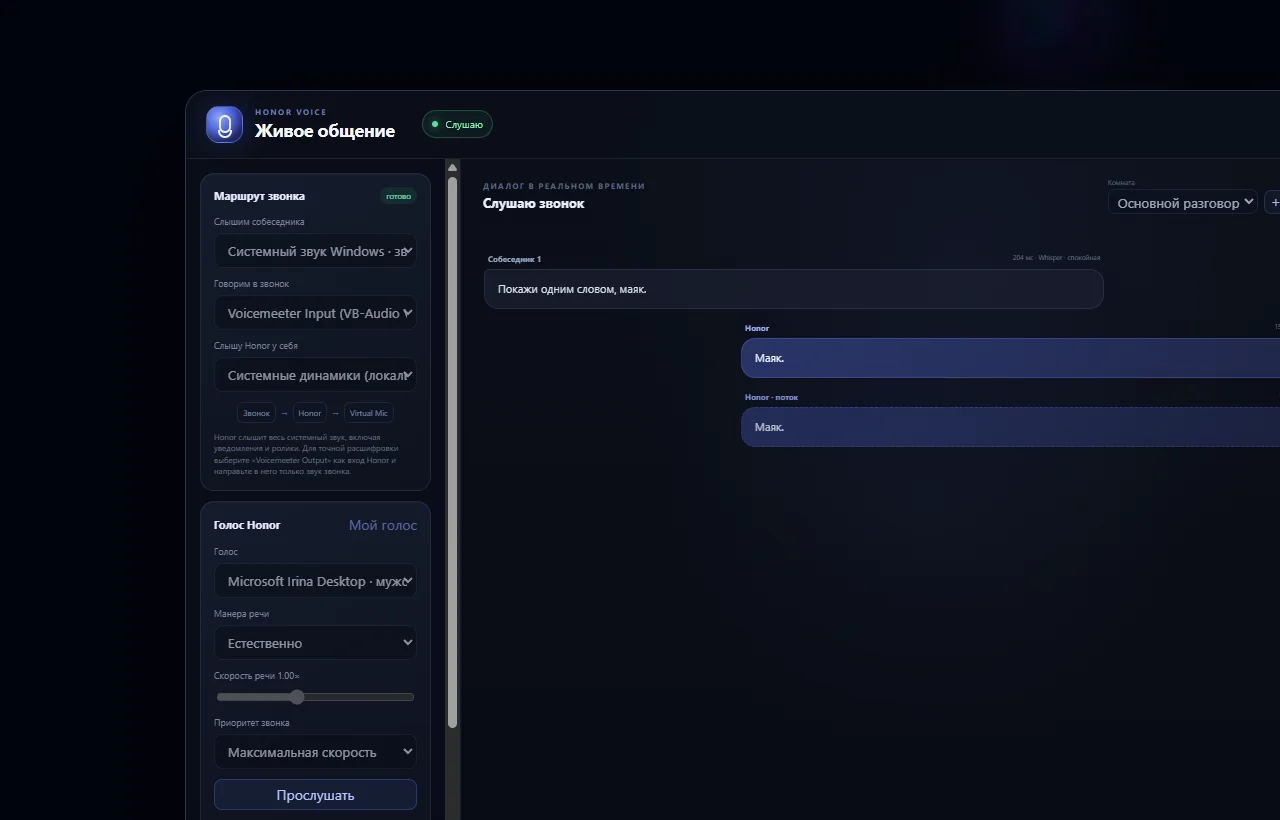
01
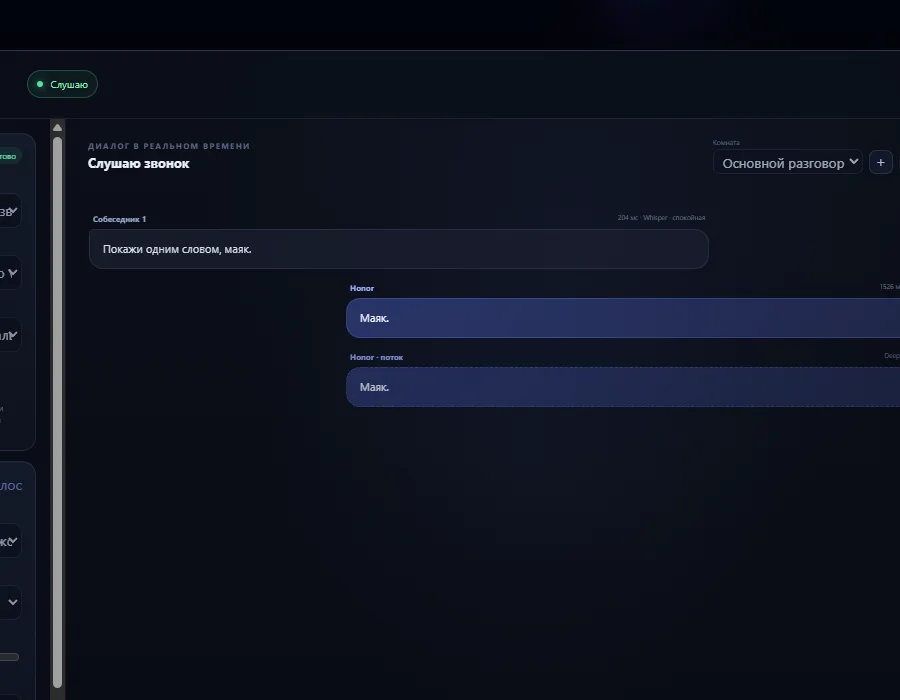
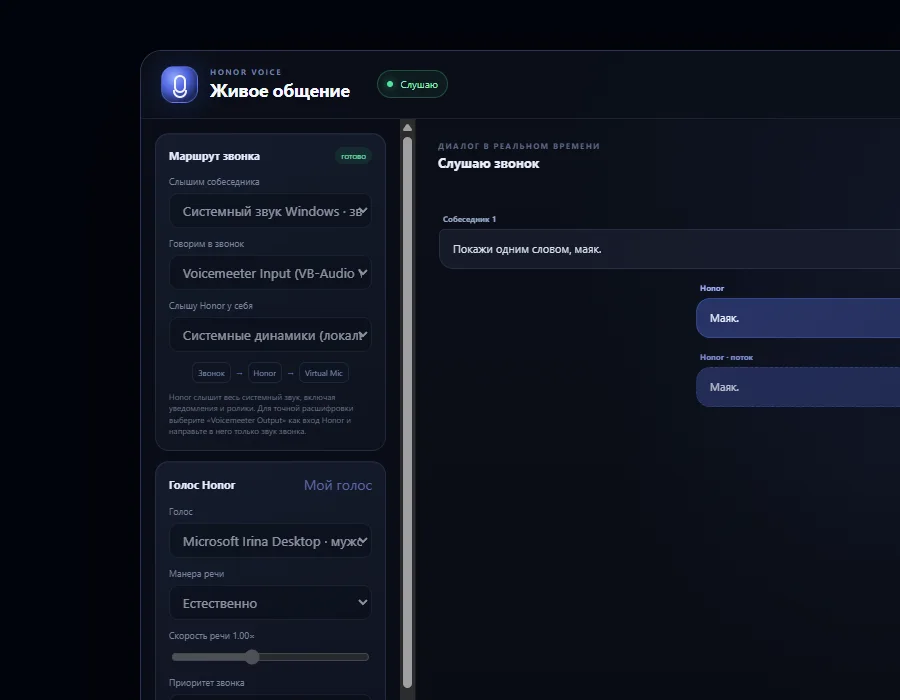
Live conversation
The voice-session flow, current phrase, and response appear side by side in one working window.
Examples of work
There is no substitution on this page: we clearly show where you see the real interface and where you see a visual task scenario.
The voice-session flow, current phrase, and response appear side by side in one working window.
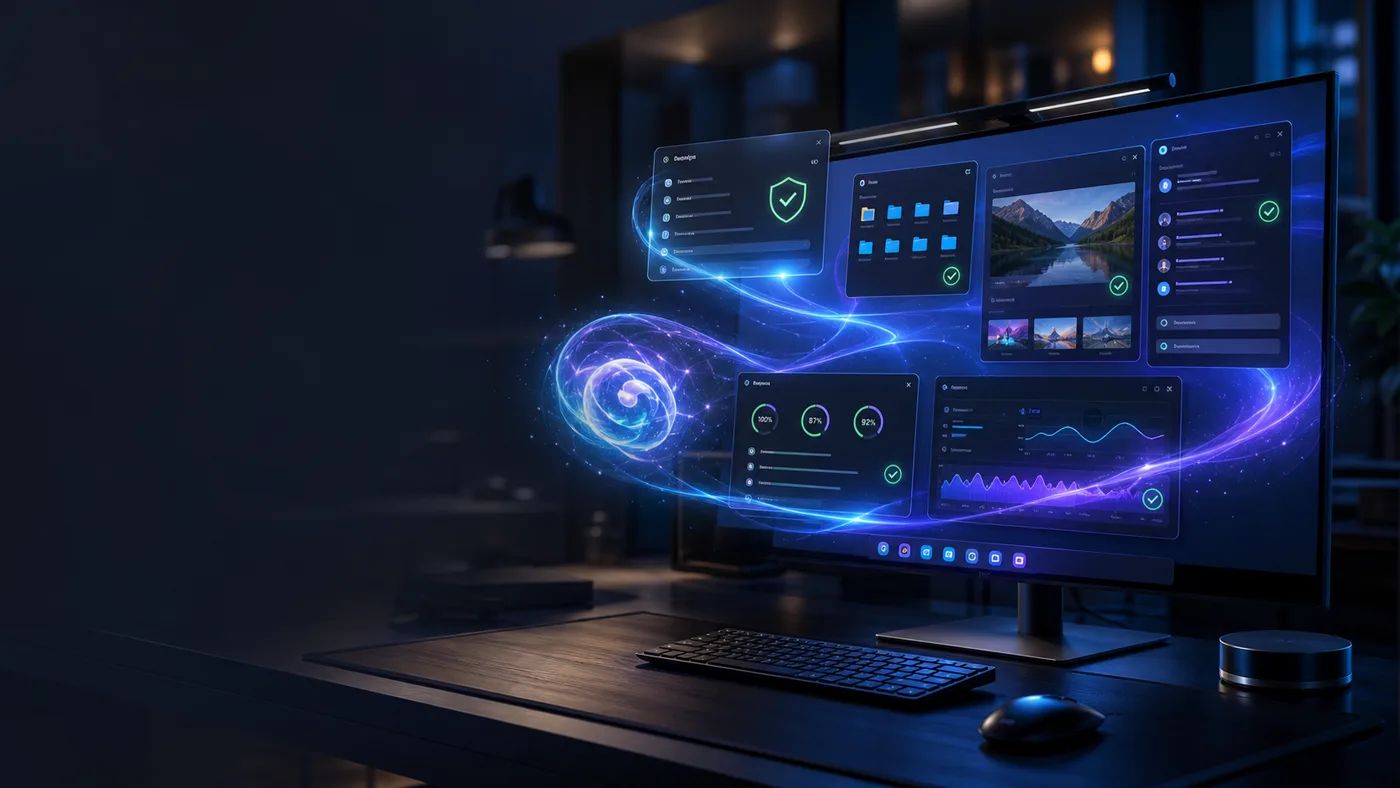
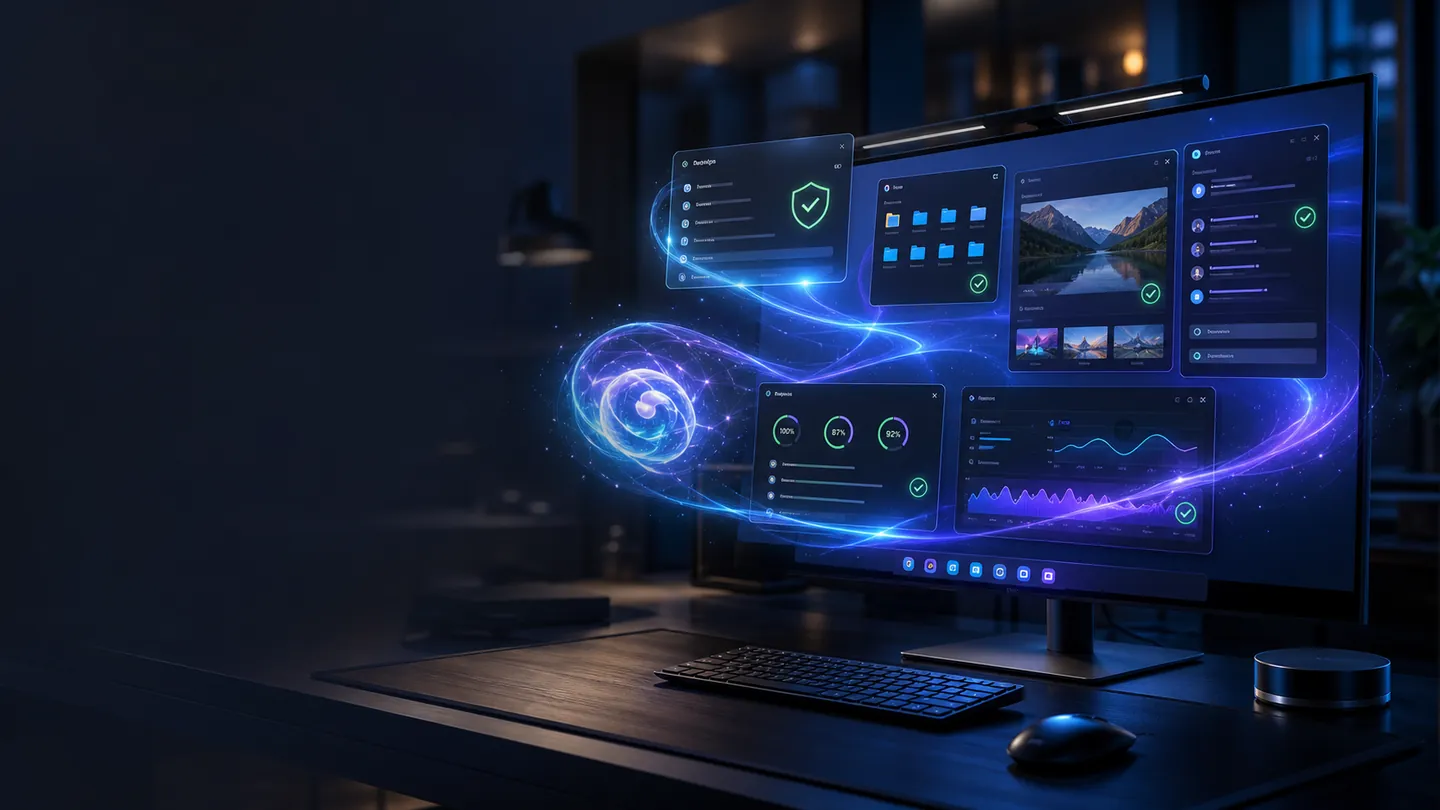
The visual scenario shows how a task connects files, application windows, and computer state.

A visual scenario for working with code, images, and information without unnecessary interface noise.
Хонер ПК-агент
“Build a concise website for my project and show the finished screen.”
Plan → project → interface review → clear result.
“Check what is currently loading my PC and explain it without technical noise.”
Memory, processes, disks, and network → structured summary.

“Prepare a short brief on this topic and include sources.”
Materials → fact-checking → conclusion and next questions.
“Review this screenshot and tell me what can be improved.”
Selected image → observations → list of specific improvements.
Хонер ПК-агент
Install Хонер, describe your goal in plain language, and get a clear working process.